Save your invoices to Google Drive
Published 3 min read
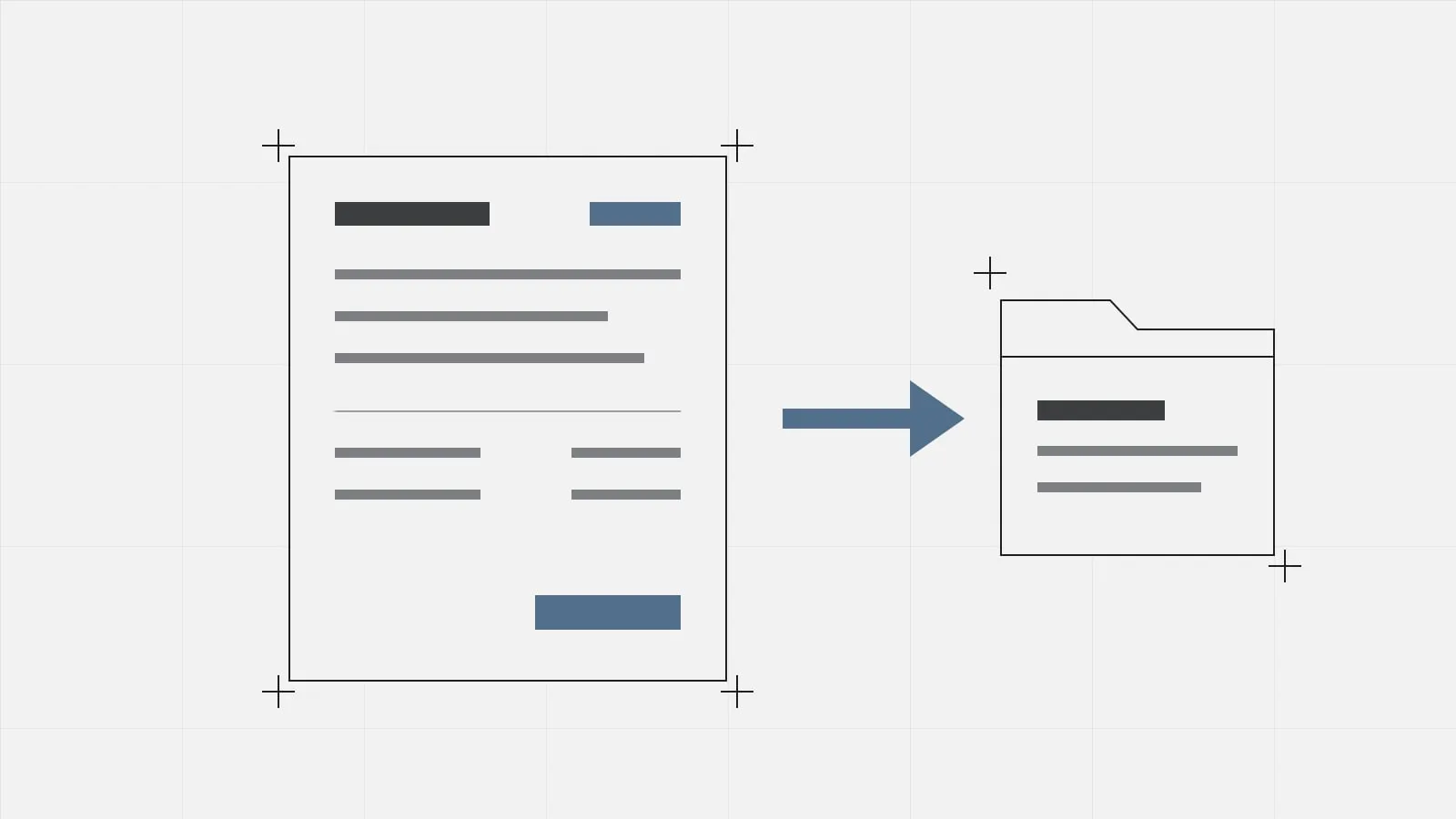
From today you can save the PDF of your invoices straight to your Google Drive, without downloading it first. You choose the folder, and GestiFactura puts the file there, named after the invoice number.
Connect your account once
Your GestiFactura profile has a new Google Drive section. Press Connect and Google will ask you to let GestiFactura save files to your Drive. When you come back, the profile shows which Google account is connected.
You only do this once. To use a different account later, disconnect the current one and connect the new one.
Save an invoice to a folder
- Open the invoice, or find it in your invoice list.
- Press Save to Google Drive, next to Download PDF.
- Choose the folder in the Google picker and confirm.
GestiFactura saves the PDF under the invoice number, for example F-2026-00042.pdf. When it is done, a message links to the file in your Drive.
Next time, the picker opens in the folder that contains the one you used last, so it is one click away. The button appears on issued and cancelled invoices. Drafts do not have it, because a draft PDF is a pro forma, not an invoice.
If the folder already has that file
If you save the same invoice to the same folder twice, GestiFactura asks you before it uploads anything:
- Replace. Swaps the file in the folder for the new PDF. The link stays the same, so it still works if you have already shared it with your tax adviser (gestor).
- Rename. Saves the PDF as a new file with a number added to its name, for example F-2026-00042 (2).pdf.
- Cancel. Changes nothing in your Drive.
Shared folders
You can also save to a Google Workspace shared drive. If you choose a folder where you cannot add files, GestiFactura uploads nothing and asks you to choose another one.
What GestiFactura can see in your Drive
Only the files it creates and the folders you choose in the picker. The permission we ask Google for gives no access to the rest of your Drive. This also means that if you put a PDF with the same name in that folder yourself, GestiFactura cannot see it and will not warn you.
To disconnect Google Drive, press Disconnect on your profile. GestiFactura deletes its access to your account, and the PDFs you have saved stay in your Drive. To withdraw the permission at Google as well, go to the permissions page of your Google account. The details are in the Google data section of our privacy policy.
What it does not do yet
For now you save invoices one at a time, when you decide to. GestiFactura does not upload them to Drive when you issue them, and it does not export a whole quarter at once.
If you do not use GestiFactura yet, press Request access and we will write to you as soon as your invitation is ready.